Security & access control
Role-based permissions, IP-based protections, and account lockout safeguards help keep the system secure during high-traffic events.
Full feature list
A complete operational toolkit for robotics competitions and robotics leagues — Inspection System, on‑deck management, violation tracking, security, auditability, and real‑time coordination.
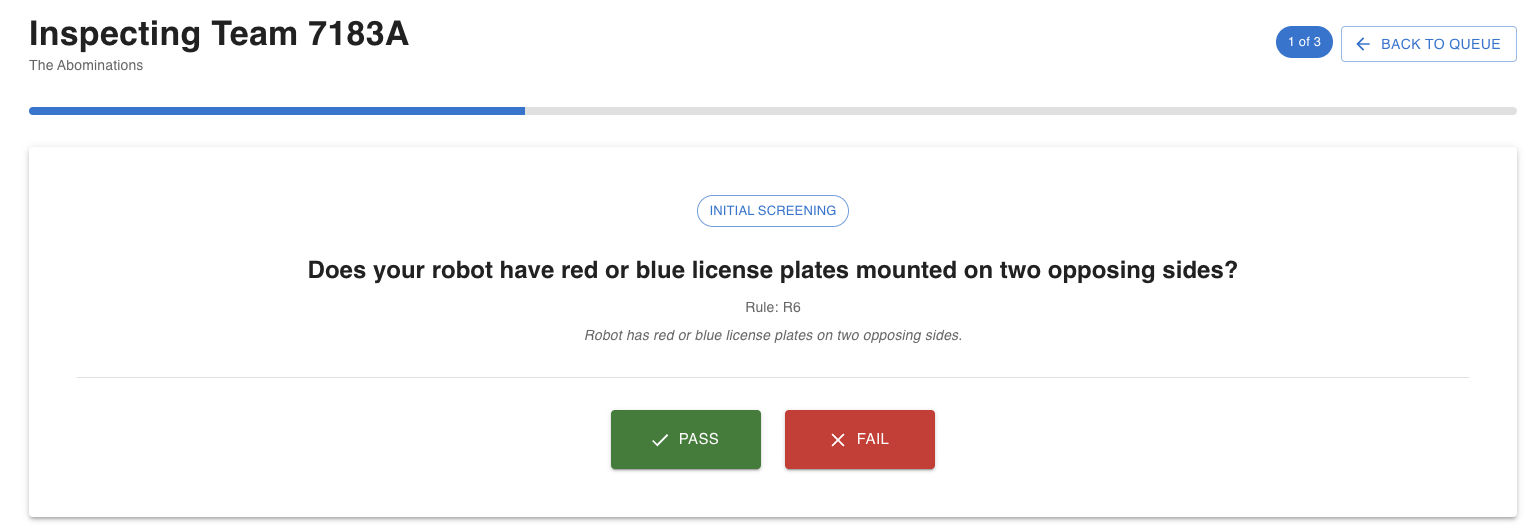
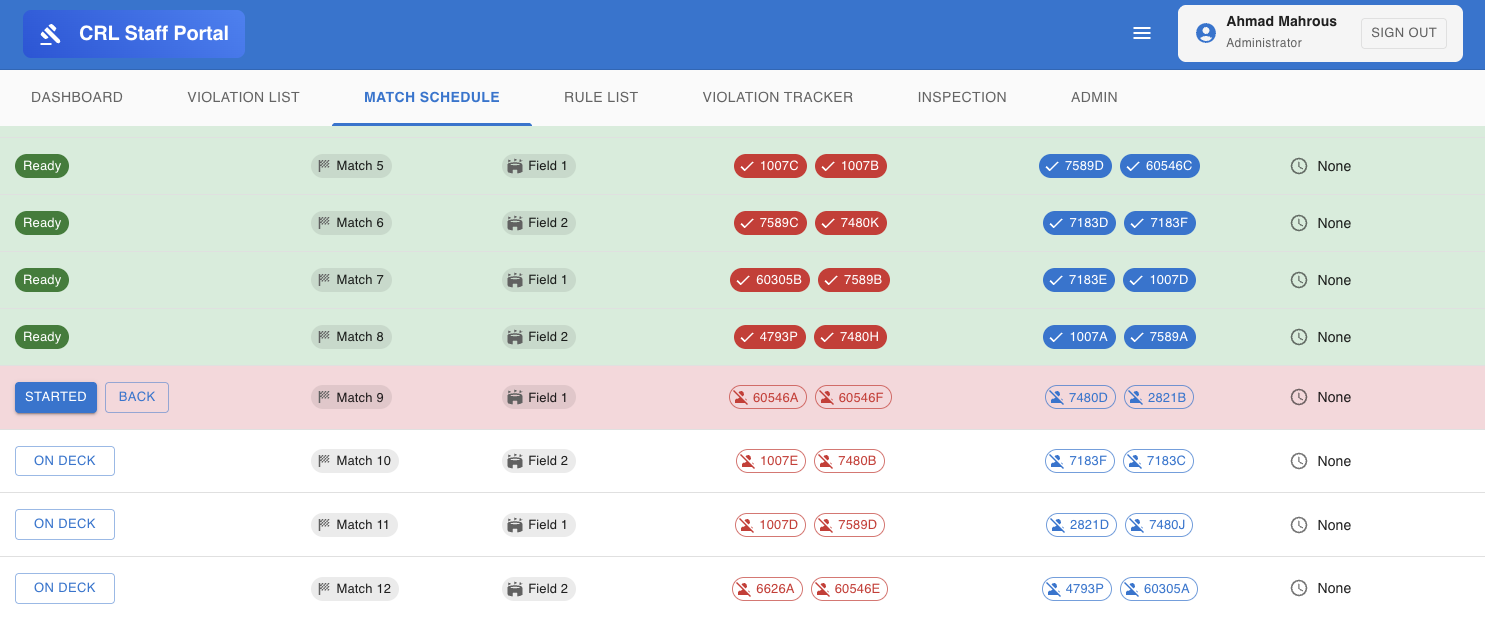
Inspection is where events get stuck — so Staff Portal is built to keep teams moving. It routes teams to available stations, keeps everyone on the same page, and updates instantly across all screens.
Inspectors don’t have to hunt for information. The right team, the right context, and the latest status show up automatically — and everyone sees the change at the same time.
Keep match flow smooth with one‑click check‑ins, clear statuses, and fast communication from the field to the pit.
Event ops live or die on clarity. Staff Portal focuses on making the next action and next match unmistakable.
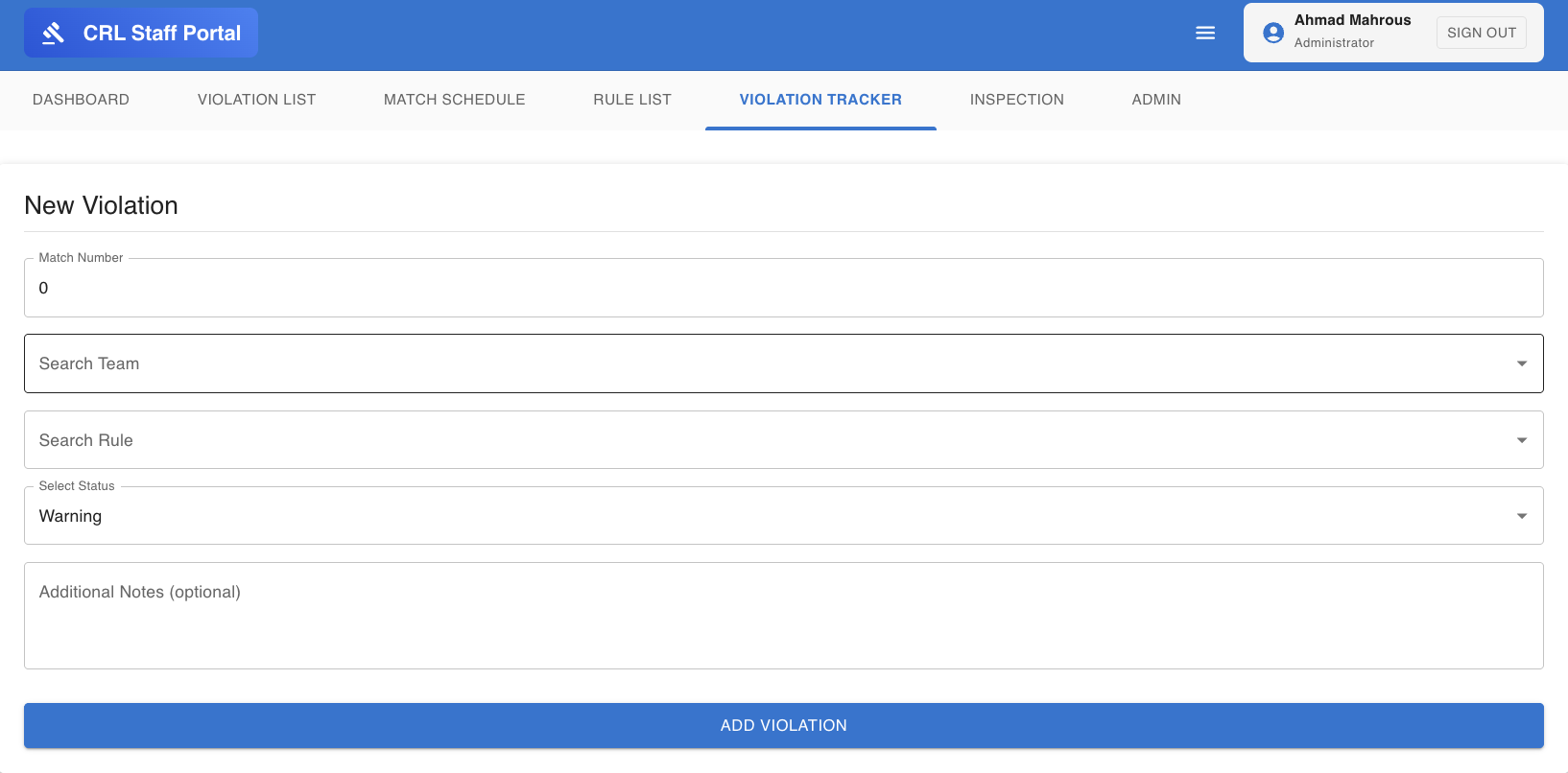
Capture incidents consistently, keep a clean record, and simplify post‑event review.
A good incident log keeps teams treated fairly and helps your leadership make decisions with confidence.
A full set of supporting capabilities that make the core workflow reliable at scale.
Role-based permissions, IP-based protections, and account lockout safeguards help keep the system secure during high-traffic events.
Audit-friendly tracking of actions and changes so administrators can review what happened and when.
Instant state changes across stations and views to reduce “who has the latest info?” confusion.
Built-in communication so staff can coordinate quickly during inspections and match turnover.
Brand the experience as your own: logo, colors, domain, and customer-facing identity.
Designed for staff on desktops, tablets, and phones — plus a dedicated iOS app for mobile workflows.
Nonprofit discount: 50% off any plan. Mention your nonprofit status when you contact sales.
Contact Sales